
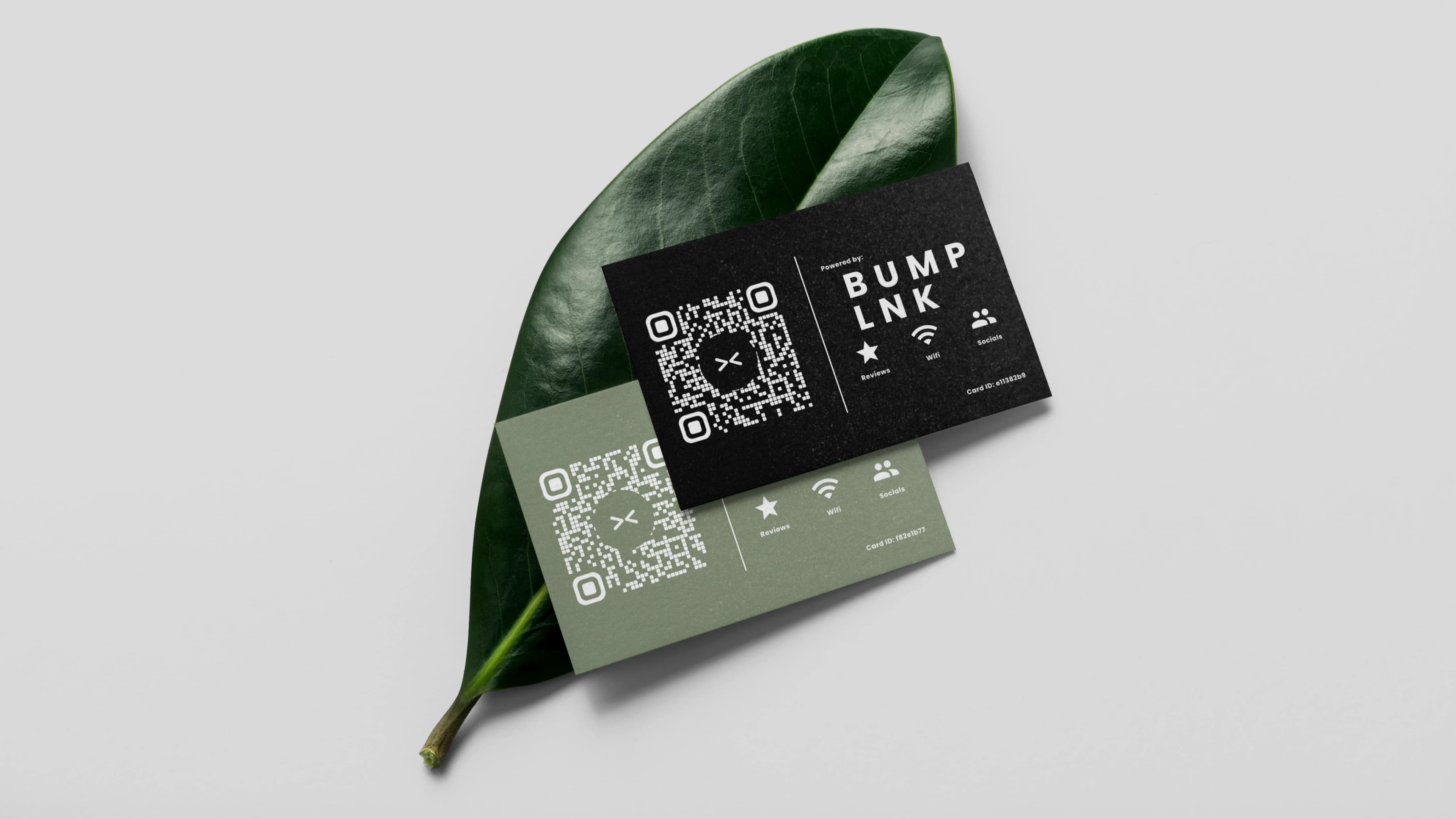
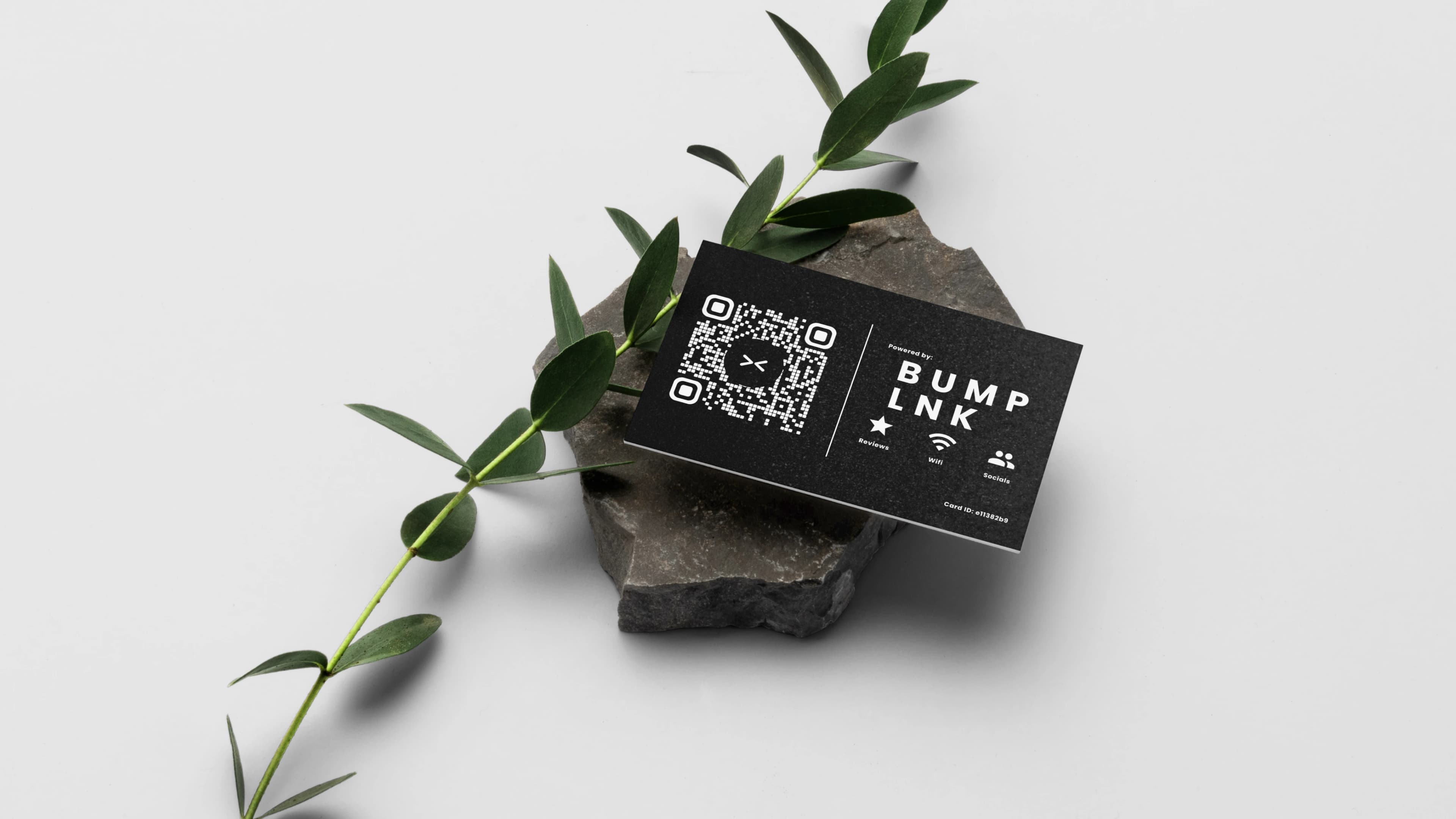
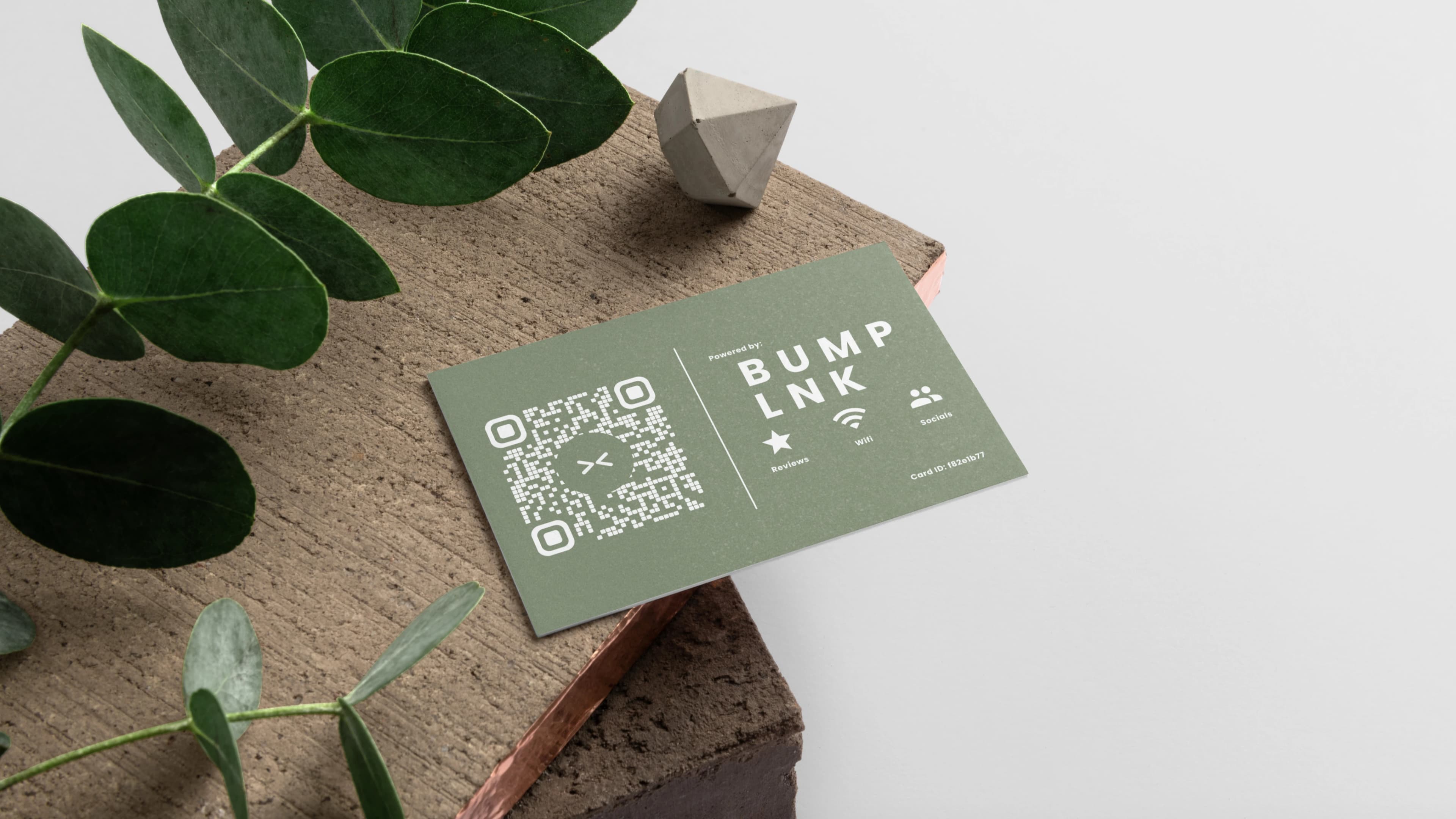
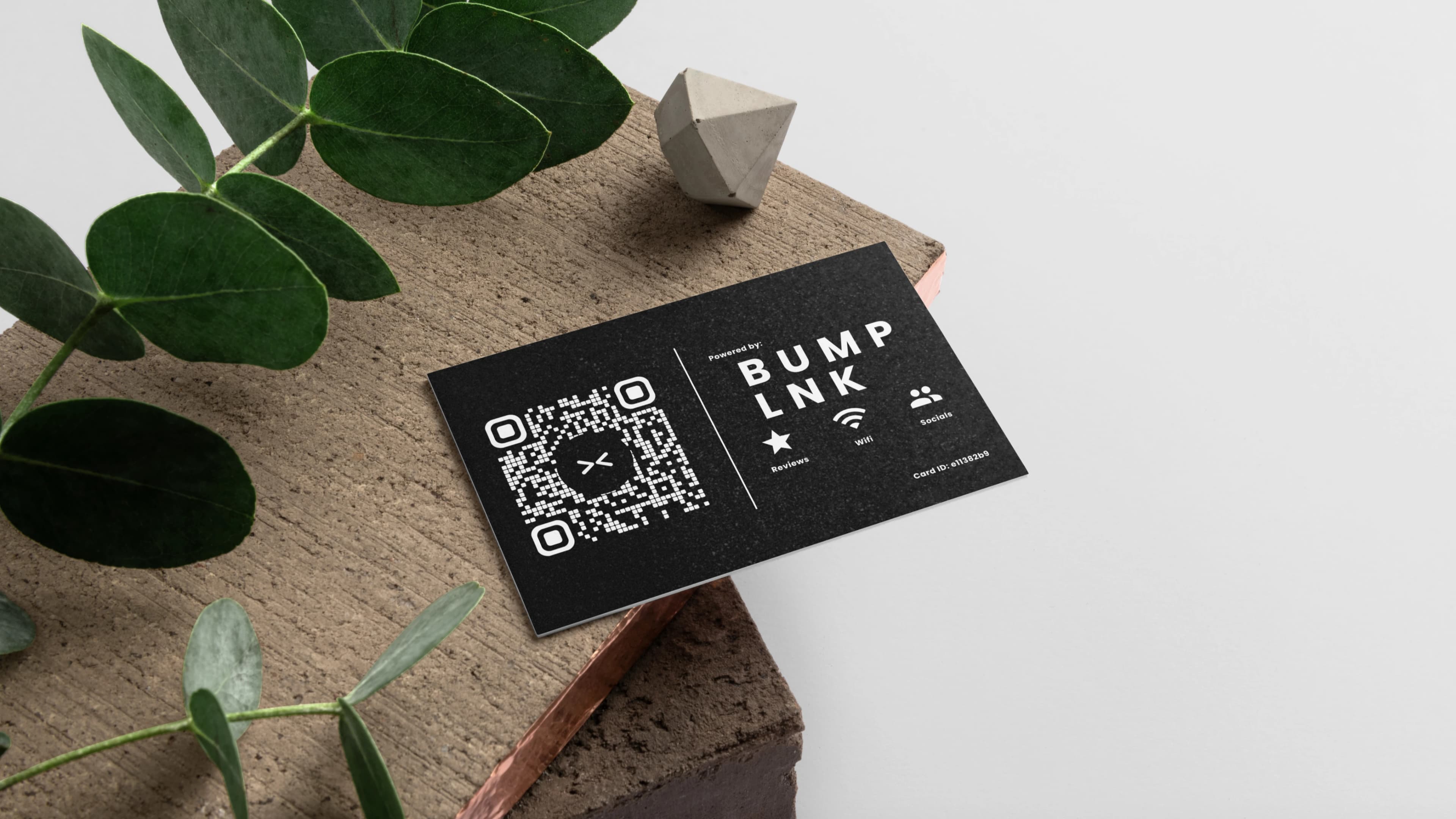
BumpLnk for local businesses
Multiple cards.
One business page.
One tap or scan opens your hours, directions, menu, reviews, and contact links.
How it works
Get your cards, set up one business page, and make it easy for customers to connect.
View the business demo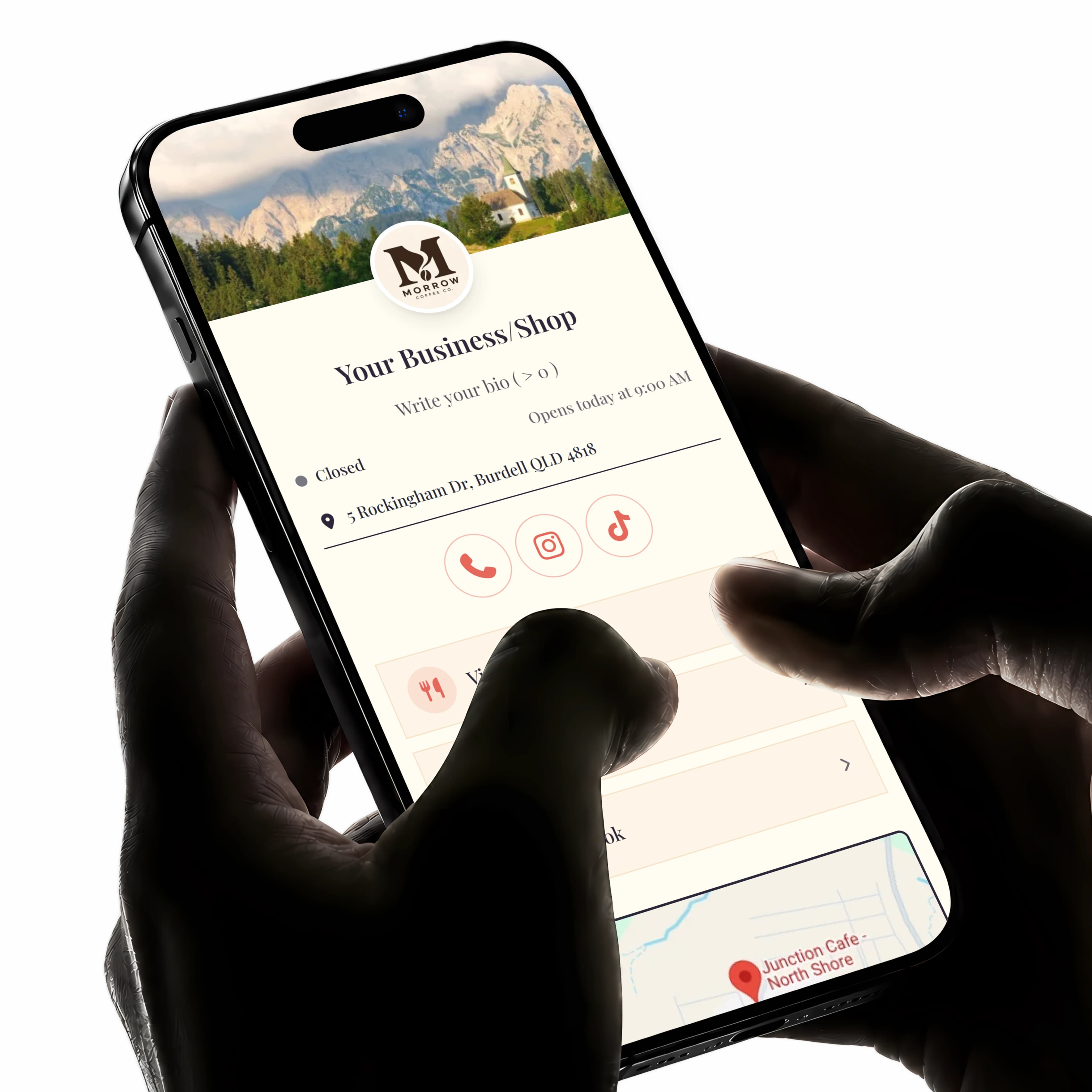
Get your BumpLnk cards
Choose a bundle for your business and the places where customers will use your cards.
Activate and set up
Scan your first card to create an account and set up your business page. Add your details, then connect your remaining cards to the same page.
Place your cards
Put your cards at your counter, tables, or other customer touchpoints. Customers tap or scan to open your business page.
Features
One page. More ways to connect.
Your business. All together.
Give customers the details they need and a clear next step, in one simple page.
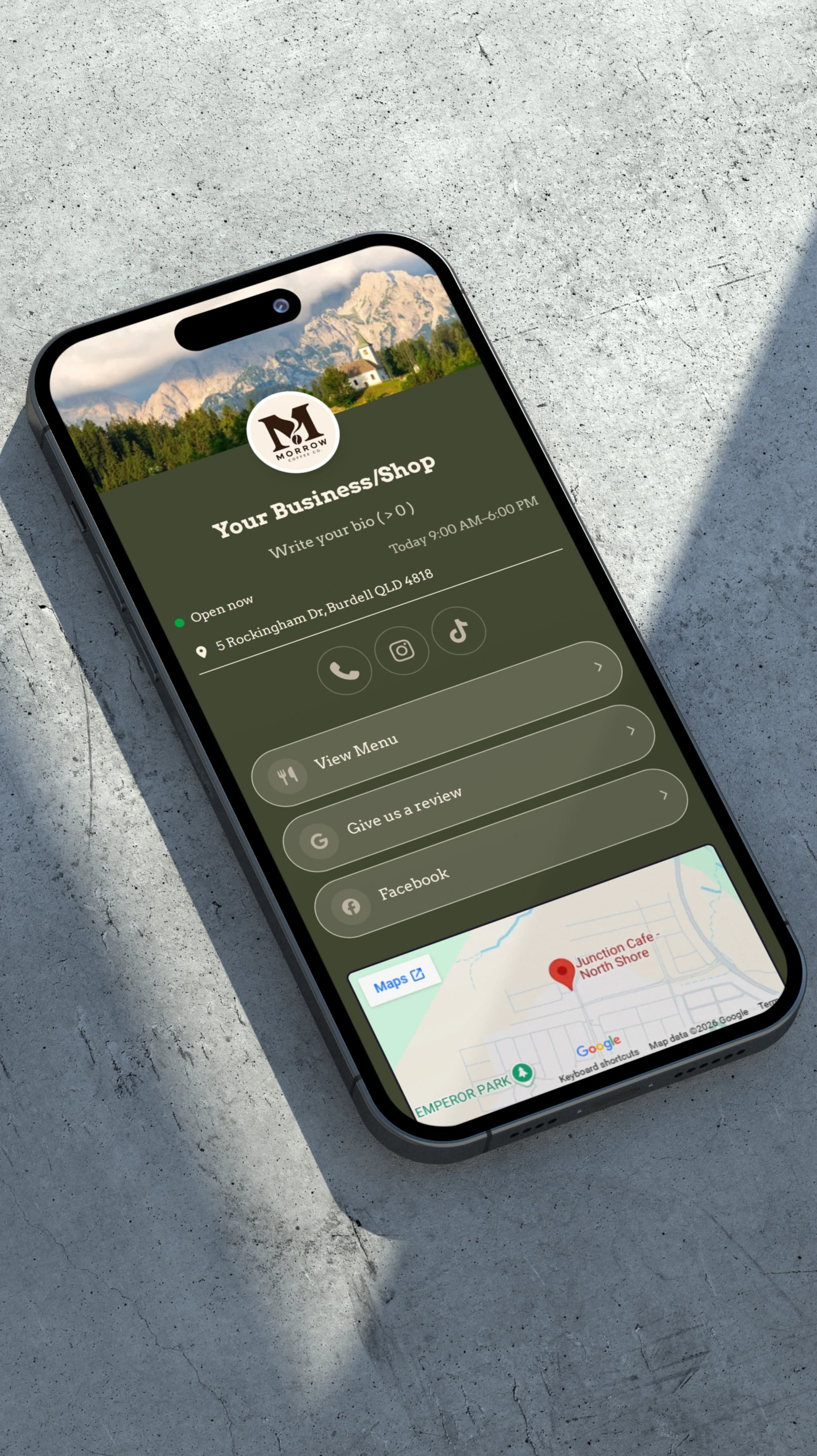
The details that matter
Your hours, location, contact details, and social links, all in one place.
An easy next step
Help customers call, get directions, browse your menu, or leave a Google review.
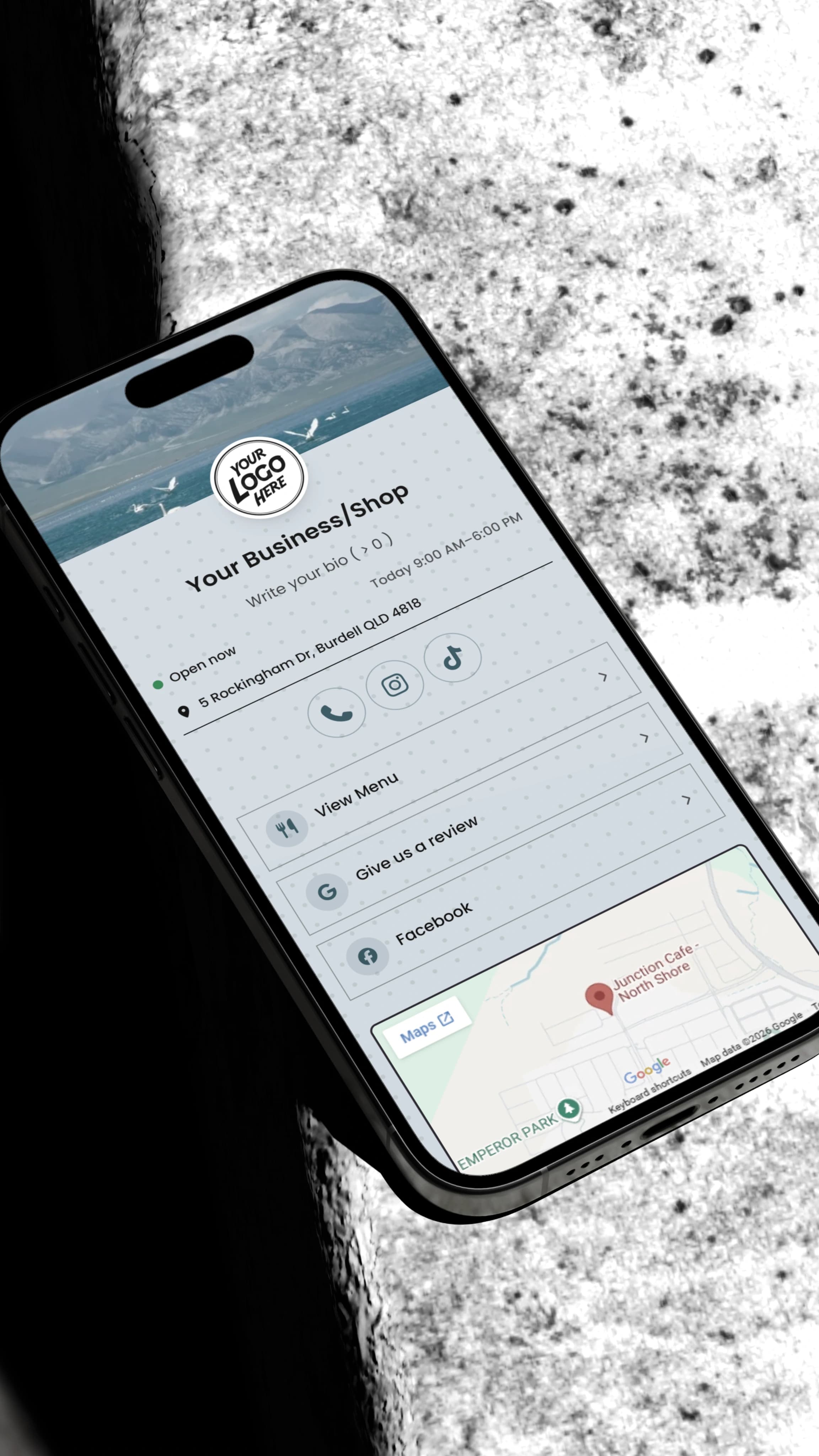
A page that feels like you
Make it your own with your logo, colors, fonts, and background.
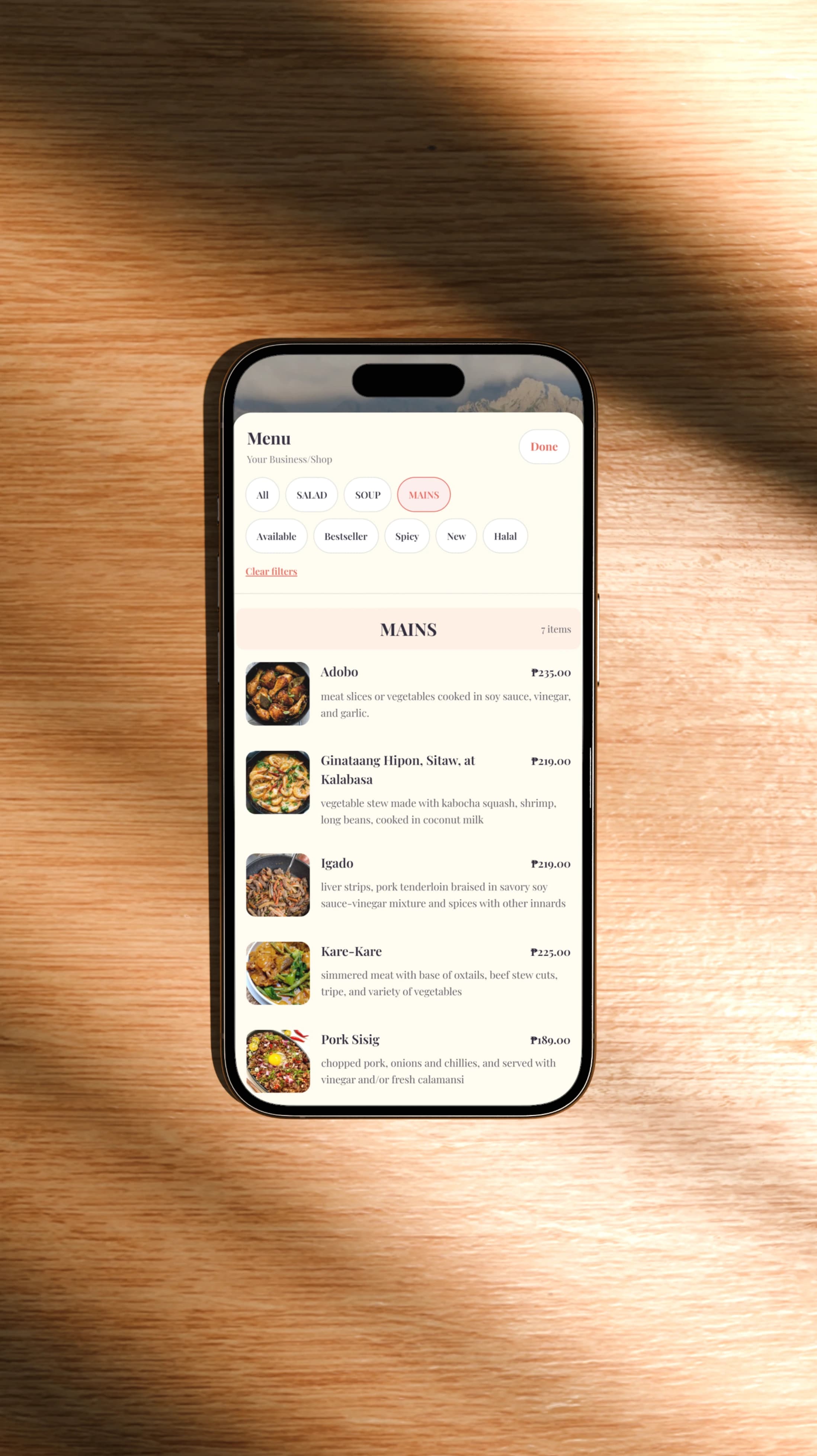
Give your menu a place to shine.
Let customers explore what you offer, right from their phones.
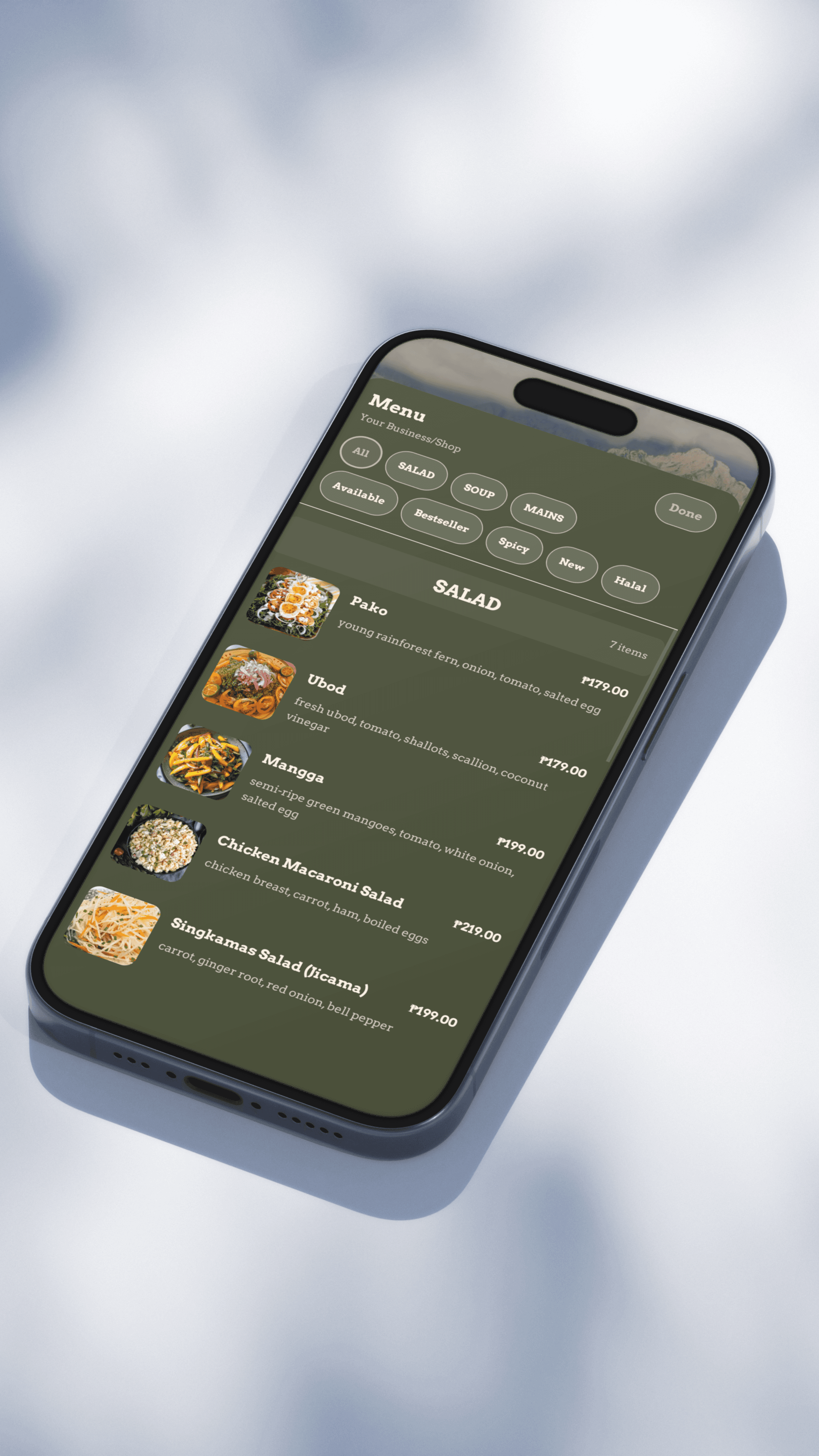
More than a list of prices
Bring your items to life with photos, descriptions, and prices.
Easy to browse
Group your items into categories so customers can find what they want.
Keep it up to date
Change an item or update a price on your page without reprinting your cards.
More cards. One business page.
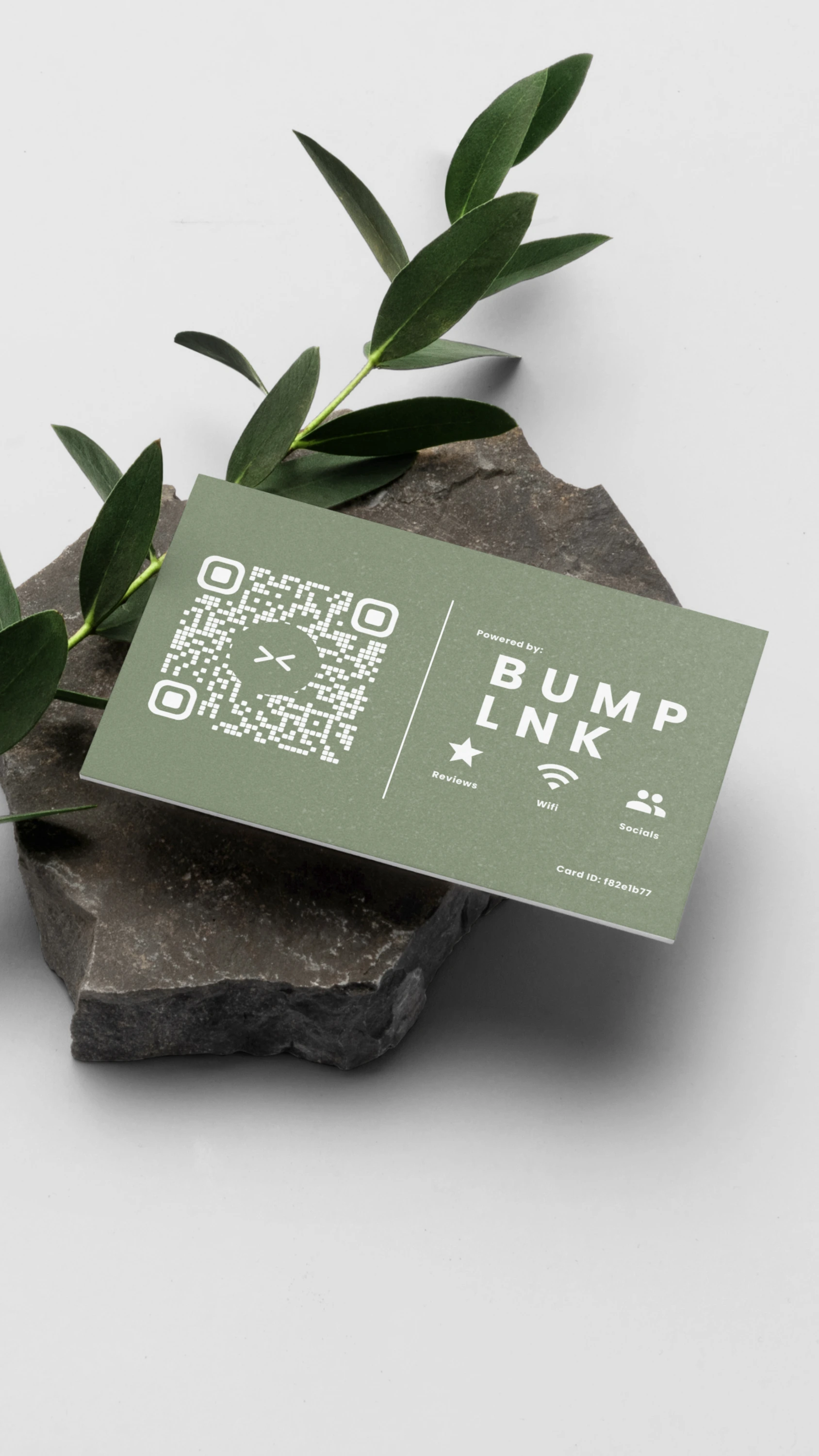
At the counter or on the tables, every connected card brings customers to you.
One page, every touchpoint
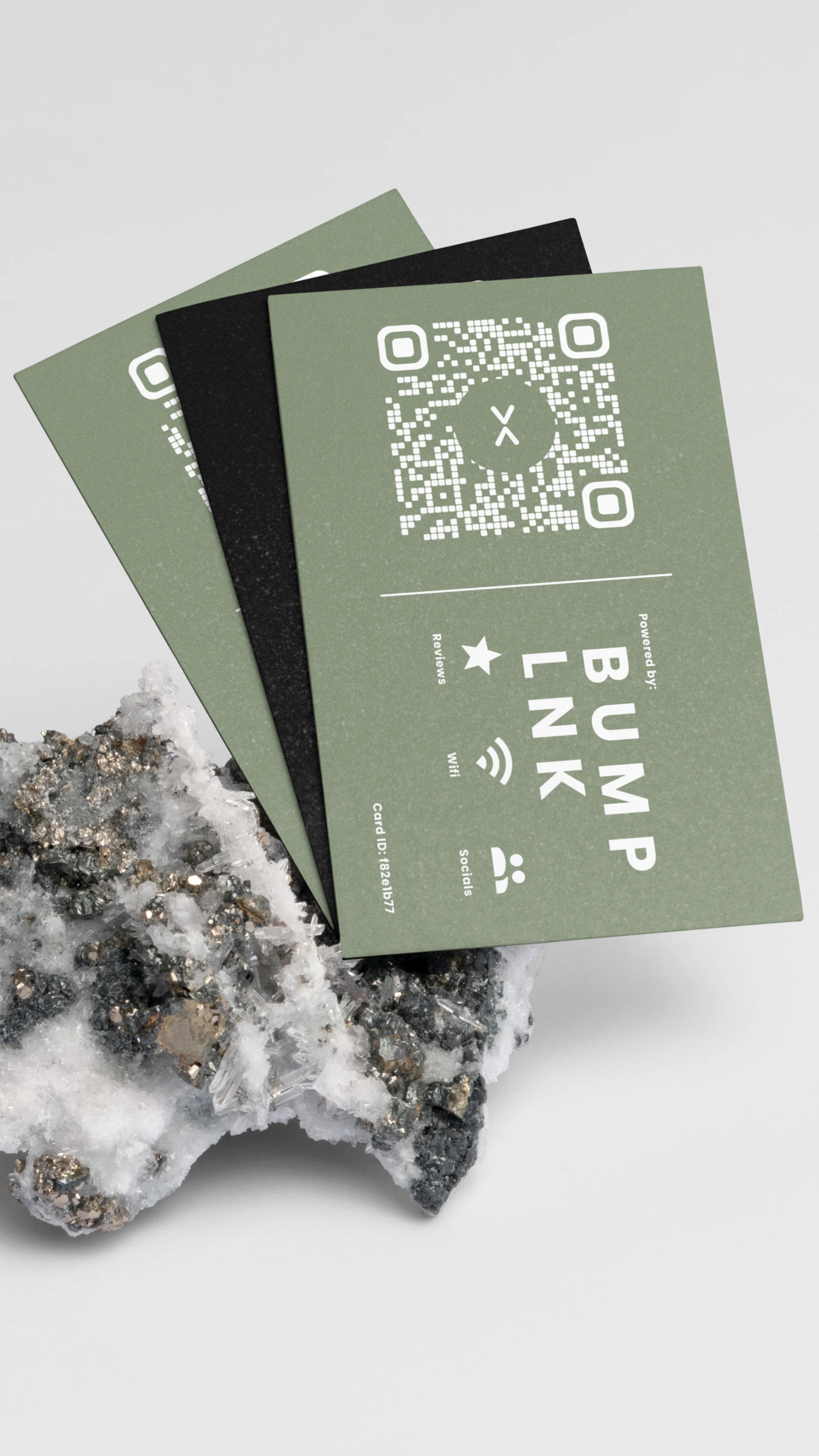
Connect multiple BumpLnk cards to the same business page.
Tap or scan
Customers open your page on their phones. No app download needed.
Update once
Save changes to your page and every connected card opens the updated version.
Bundles
Choose your bundle.
Your design. Your business page. More places to connect.
More ways for customers to connect around your business.
- 5 customizable NFC + QR cards
- All cards connect to one business page
- Up to 2 free replacement cards for loss or accidental damage within 6 months of handover
Local meetup sales. Pay after handover. Contact us to check availability. Replacement terms apply.
Contact us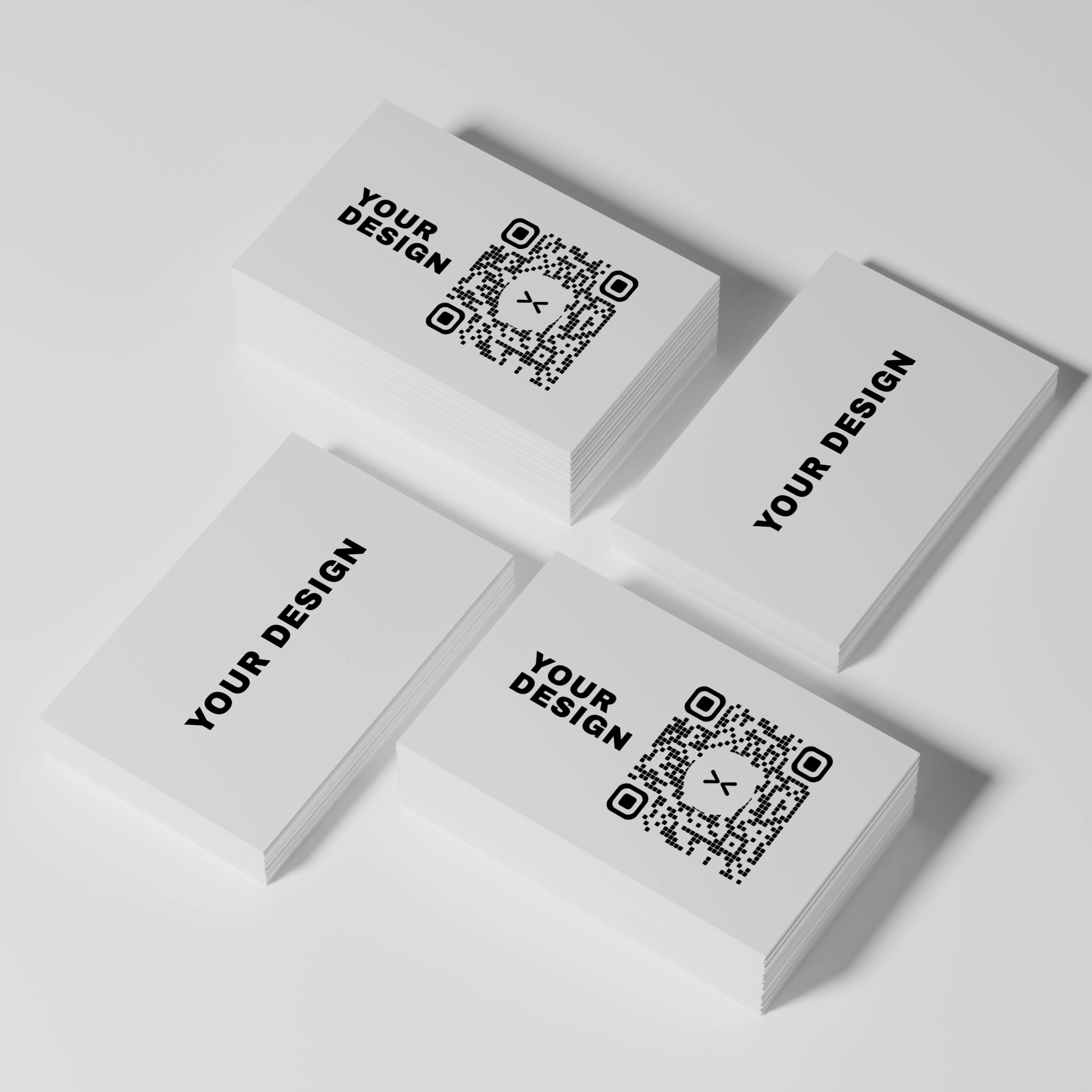
Try it with your business
Limited free pilot testing.
We are inviting local businesses to try BumpLnk. Contact us to ask about availability.
Frequently asked questions
What can I do with BumpLnk?
Bring your business hours, location, contact details, social links, and digital menu together on one page. Customers can call, get directions, browse your menu, or follow a link to leave a Google review.
How do customers open my business page?
Customers tap your BumpLnk card with an NFC-enabled phone or scan its QR code. Your page opens in their browser, with no app download or customer account needed.
Is it easy to set up and customize?
Scan your first card to create an account and set up your business page—no coding needed. Add your business details and make the page your own with your logo, colors, fonts, and background.
Can I update my page and menu later?
Yes. You can edit your business details, update menu prices, add items, and mark dishes as sold out from your dashboard. Save your changes to publish them without replacing your connected cards or reprinting their QR codes.
Can multiple cards open the same business page?
Yes. Connect your cards to the same page and place them at tables, counters, or other customer touchpoints. When you publish changes, every connected card opens the updated page.
How much does BumpLnk cost?
Contact us to confirm current pricing, what’s included, and whether recurring fees apply. We can also confirm availability for the limited free pilot.
Can customers order and pay through BumpLnk?
The built-in digital menu currently lets customers browse items, photos, descriptions, and prices. Orders and payments are handled by your staff.